
Does QR-code ordering make your restaurant feel cheap? It depends how you do it
QR ordering earned a bad reputation from clunky pandemic PDFs. Done right, it elevates service instead of cheapening it. Here's the difference — and how to match it to your format.
QR-code ordering has an image problem, and it’s earned. During the pandemic, a lot of restaurants taped a printed code to the table that opened a pixelated PDF — no branding, no photos, sometimes a forced app download just to see the menu. That version does feel cheap. But blaming the QR code for that is like blaming the telephone for a bad phone call. Done right, QR ordering can make service feel faster and more attentive, not cheaper.
Where QR ordering goes wrong
The “feels cheap” version usually has these tells:
- A static PDF or unbranded page that looks nothing like your restaurant.
- Forcing an app install or account before anyone can order.
- Replacing all service — using QR to avoid staffing the floor, so guests feel abandoned.
- A clunky checkout disconnected from the kitchen and the bill.
Every one of those is an implementation choice, not a property of QR codes.
Where QR ordering shines
The version guests actually like does the opposite:
- It’s branded — your colors, your photos, part of your experience.
- It opens instantly in the browser, no app, no account.
- It’s an option, not an ultimatum — guests can use it or wave a server over.
- It removes the annoying trips: another round, a dessert, the check — without anyone waiting.
- It’s tied to the order and the kitchen, so it’s accurate and fast, with pay-at-table when they’re ready.
Match the tool to the format
The trick is fit:
- Bars, cafés, food halls, high-volume casual — QR ordering is a strong primary channel; it cuts the line and keeps rounds flowing.
- Casual full-service — QR as a complement: servers greet and advise, QR handles refills and the check.
- Fine dining — selective use, like a QR drinks or wine list, while the core service stays human.
QR isn’t a replacement for hospitality. It’s a way to delete the moments that aren’t hospitality — the standing around, the trying to catch an eye — so your team spends its time where it counts.
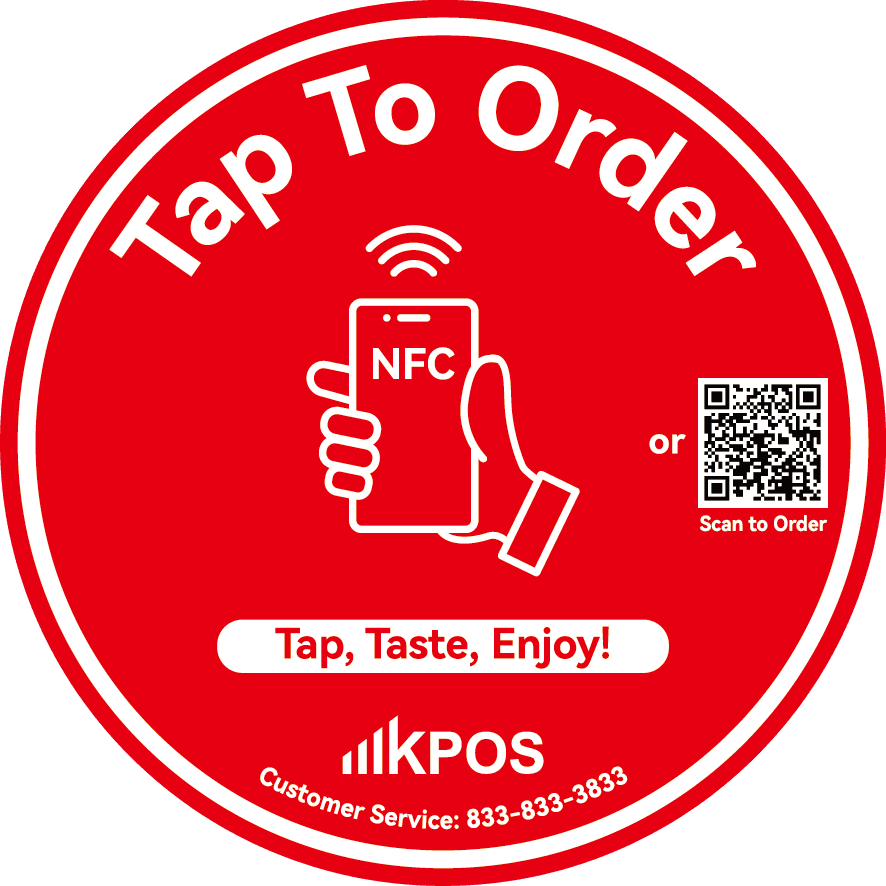
The hybrid that works
The best rooms run QR and attentive staff together. A guest can scan to add a round the moment they want it, and the server is freed from the register run to actually check in. Guests don’t feel processed; they feel taken care of, faster.
Where KPOS fits
KPOS scan-to-order is branded to your restaurant, opens in the browser with no app install, shares one menu with your whole system, and supports pay-at-table — so it reads as part of your experience, not a taped-on PDF. Curious how the channels fit together? Read KPOS vs. a traditional POS or request a quote.
Frequently asked questions
Does QR-code ordering hurt the guest experience?
Only when it's done badly — a static PDF menu, no branding, or forcing it as the only way to order. Done well, as a branded, fast option alongside real service, it improves the experience: guests reorder a round without flagging anyone down and pay when they're ready. The tool isn't the problem; the implementation is.
Will QR ordering replace my servers?
It shouldn't, and the best implementations don't. Think of QR as removing the low-value trips — taking a drink refill, running a card — so servers spend more time on hospitality, not less. In full-service rooms it works best as a complement to staff, not a replacement.
Do guests have to download an app to order by QR?
No. Good QR ordering opens in the phone's browser instantly — no app install, no account required. If a system forces an app download before someone can order a coffee, that's exactly the friction that makes QR feel cheap.
Is QR ordering only for fast food?
No. It's a natural fit for bars, cafés, food halls and high-volume casual spots, but even fine dining uses it selectively — for example, a QR drinks list so a second round arrives without a wait. Match the depth of QR to the format.
Does KPOS support branded QR ordering?
Yes. KPOS scan-to-order is branded to your restaurant, opens in the browser with no app install, shares one menu with the rest of your system, and supports pay-at-table — so it feels like part of your experience, not a bolted-on PDF.
See KPOS in your restaurant
One AI-powered platform for ordering, payments and operations.
Book a 15-minute demo