
POS • Payments • Ordering • AI
Advanced architecture. Advanced AI. Built for the way restaurants actually run.
Pay less commission. Miss fewer calls. Get through the rush.
POS, card payments, online ordering and AI phone answering on one system — regulars order from you directly with no commission, calls get answered at the busiest hour, and the money lands in your own account.
Or call us: (626) 360-3330
Restaurant POS & Payments
Modern restaurant POS built for speed, reliability and growth.
Explore KPOS Core →- Point of Sale
- Integrated Payments
- Kitchen Display System
- Reporting & Analytics
- Multi-Location Management
Four product lines, each one takes a headache off your plate
KPOS Core →
Ring up, take cards, fire to the kitchen and see your numbers — on one machine that keeps up at rush hour.
KposGo! →
Regulars order from you directly — no commission per order, and the guest stays yours.
KPOS AI →
No one free to grab the phone? AI answers 24/7, takes the order and helps you market — even for a small shop.
KPOS Partner →
For resellers and ISOs: put your own brand on KPOS and grow your merchant book.
What owners tell us matters most
New staff pick it up fast
Ready out of the box — a new hire is ringing up orders on day one, with almost no training.
Holds up at rush hour
Industrial-grade hardware that runs all day — and when the internet drops, orders, cash and kitchen tickets keep running on your local network, then sync back.
Fewer mistakes, faster tables
Order, payment and kitchen on one line — fewer wrong tickets, food out faster, tables turn sooner.
What owners say
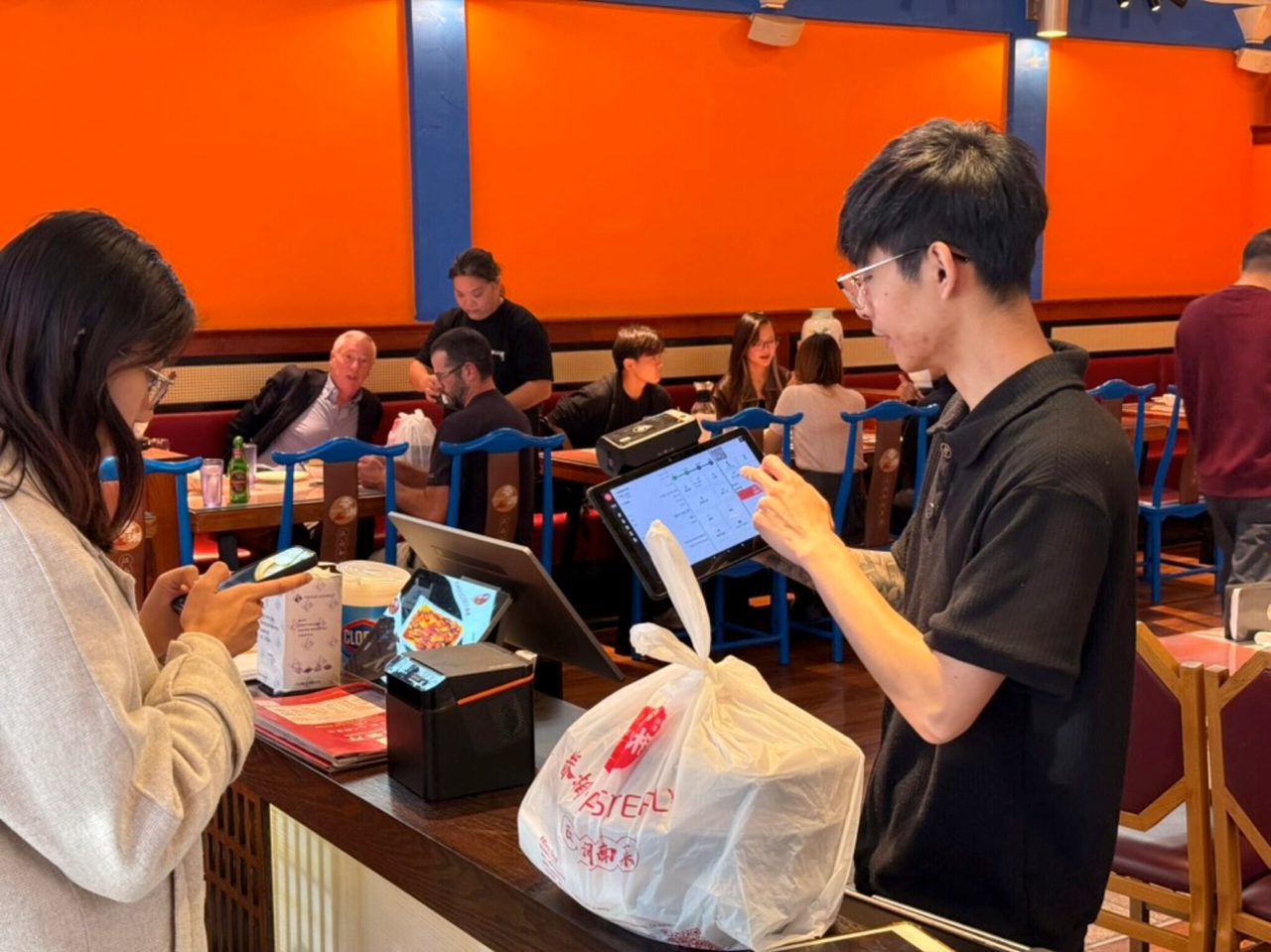
“KPOS brought innovations that modernized and automated our operations — our staff’s efficiency improved significantly.”
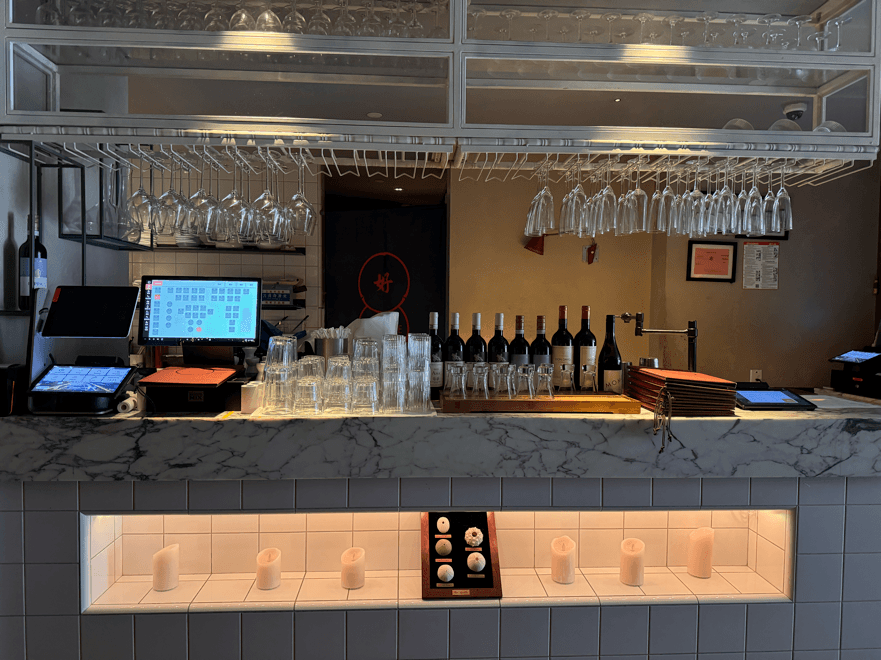
“The flexibility and forward-thinking design laid a solid foundation for our future growth.”
Frequently asked questions
What is KPOS?
KPOS is an AI-powered restaurant operating system that unifies ordering, payments, kitchen coordination, inventory and analytics in one platform. It is built by Keyus Inc, a US-based company.
What ordering methods does KPOS support?
Tableside ordering, scan-to-order (QR), AI Pad self-ordering, self-service kiosks, the KposGo customer app and mobile web (H5) ordering — plus third-party delivery integration, all on one menu and one back office.
How much does KPOS cost?
One configuration-specific quote covers hardware, software and payment processing. Kitchen display, online ordering and the guest app, loyalty and automated marketing, inventory, time clock and the owner app come with the system — no per-module monthly fees. Request a quote or a demo and we’ll price the setup that fits your restaurant.
What payment methods does KPOS accept?
Credit and debit cards, NFC tap-to-pay, Apple Pay, Google Pay, WeChat Pay and Alipay — online and in person, with payment built into the hardware.
Does KPOS work for multiple locations?
Yes. KPOS scales from a single store to a multi-location chain: menus, members and reports in one back office, and head-office accounts that see the locations they are authorized for. A new location copies its setup from an existing one.
What hardware does KPOS run on?
All-in-one Android devices like the P3 MIX, plus kiosks, mobile terminals and cloud printers. Payment and printing are built in — no bolt-on card readers.
How is KPOS different from Toast?
The restaurant features are much the same, and both run on Android. The difference shows at a quick-service or food-court counter: Toast runs a terminal, a guest display and a separate card reader — three pieces. KPOS runs two: the D3 Pro terminal and an 11" CPad PAY customer display with payments built into the screen the guest is looking at. At the table, KPOS uses a 10–11" large-screen handheld where Toast Go 3 is 6.52". Add delivery with your menu loaded, live in two days, and one quote with no per-module fees. Feature-by-feature comparison with sources: kpos.ai/compare/toast/
Where is KPOS based and what support do you offer?
KPOS is operated by Keyus Inc in California, USA, with bilingual (English & Mandarin) support, including weekends.
What happens when the internet goes down?
KPOS keeps core service running as long as your local network and host terminal are up: taking orders at the POS, cash payments, kitchen printing and KDS, with multiple devices linked to one host. QR, kiosk, online and delivery-app orders, loyalty and gift cards pause until you are back online, and orders sync back automatically. Card payments while offline depend on what your processor allows; we confirm the setup before go-live.
How do I switch POS systems without re-entering my menu?
Send us what you have — an export from your current POS, a PDF or photos of the menu. We build it in KPOS, modifiers and combos included, and you check it before go-live. Loyalty members can come across too. Once payments and menu materials are ready, the restaurant is live in two days.
How long does it take to go live on KPOS?
Two days from kickoff to opening day once payments and menu materials are ready: we consult on the setup, build your menu and survey the network, install on site and train your staff, then stay on call for the first service.
Is KPOS an all-in-one POS like Clover or Square?
Yes — the same class: an Android device with payments built in. On top of it, KPOS builds the restaurant layer itself: table service and coursing, a kitchen display, online ordering and a guest app, self-order kiosks in seven languages, delivery orders in one place, automated loyalty, AI phone answering and a daily AI recap for the owner. Guide: kpos.ai/blog/kpos-vs-clover-square-restaurant-pos/