
A POS set up for the way your restaurant runs
A café morning rush, a fine-dining table, a quick-service line — every restaurant has its own headaches. KPOS sets up the hardware and software around how you actually run, so service moves faster, guests leave happier and more of the money stays with you.
Every restaurant runs differently — so should your POS

Fine dining: complicated orders, personal service
Complicated orders stay simple for staff, so they can spend their attention on the guest, not the screen.
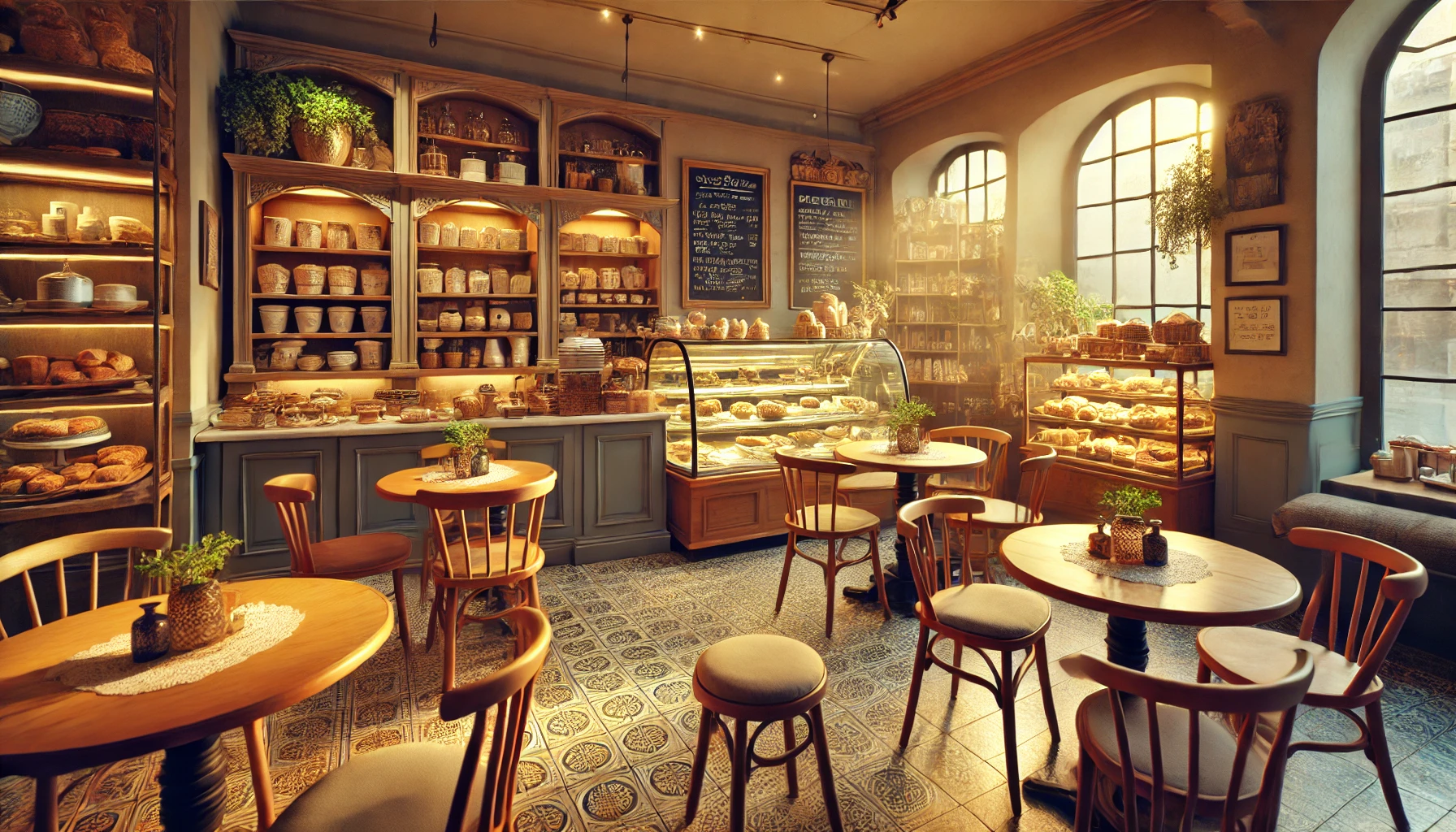
Cafés & bakeries: a line out the door
Set up for busy, fast-turnover counters, so the line keeps moving.
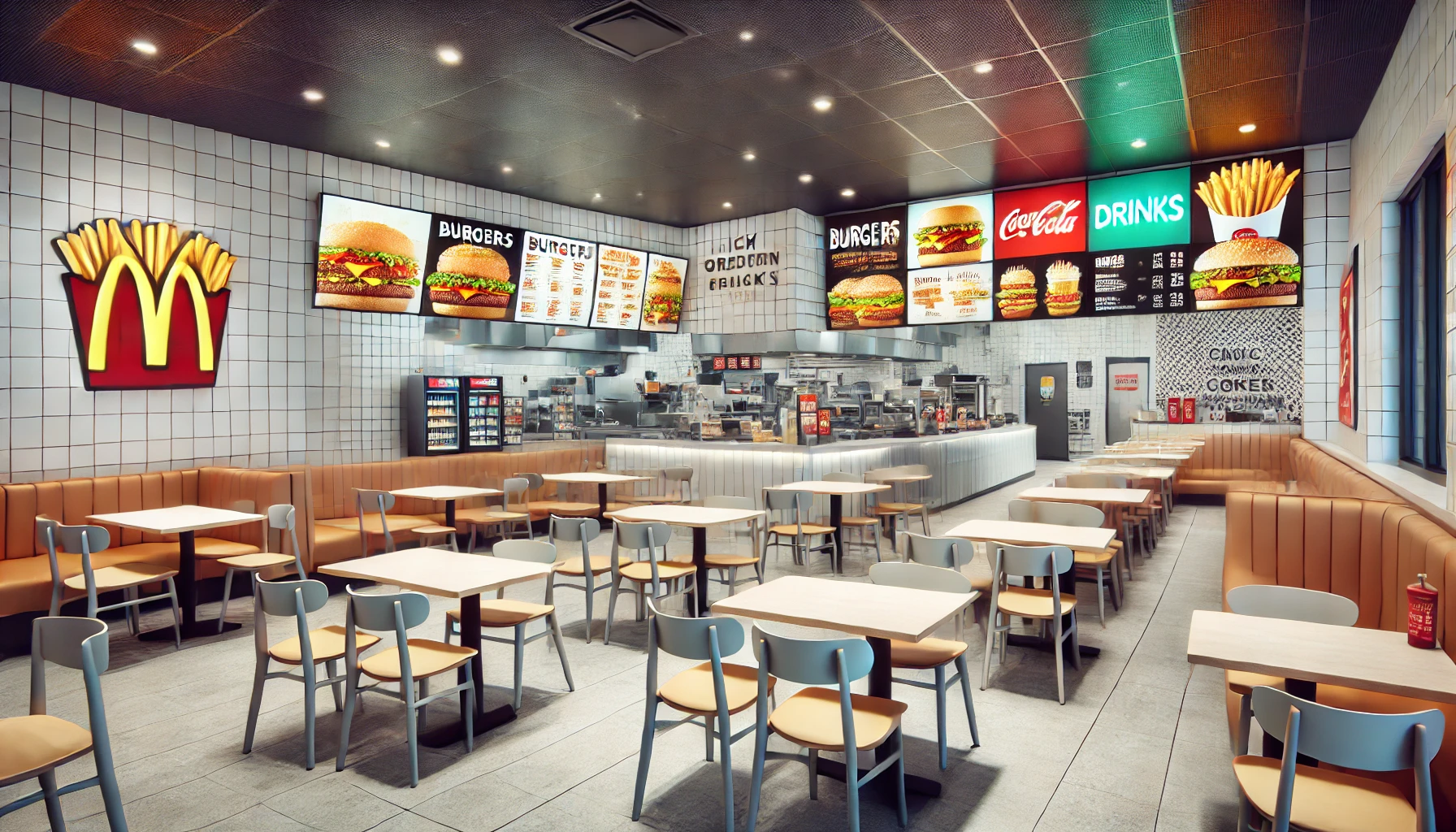
Quick service: every second counts
Speed and accuracy first — orders go through fast and right the first time.
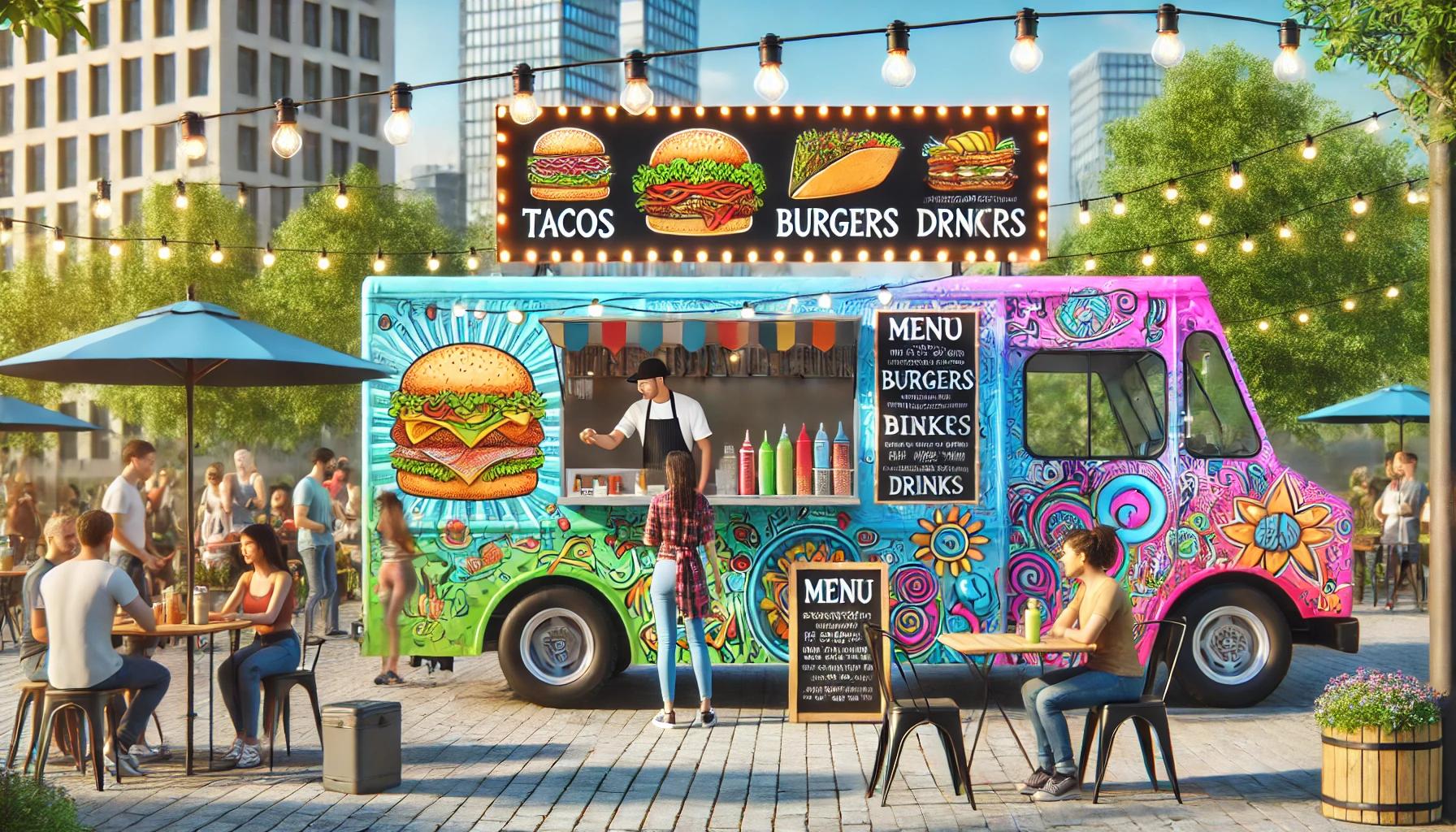
Bars, food halls, cloud kitchens & hotpot
Each format gets the core features and the hardware and software mix that fits it.
Advanced architecture. Advanced AI. Whatever format you run
Advanced architecture →
Payments built into the Android device that takes the order: a 10–11" handheld at the table for full service; a two-piece counter — D3 Pro plus a CPad PAY customer screen that takes the card — for quick service and food halls. Keeps serving on the local network when the internet drops.
Advanced technology →
One back office for menus, members and reports across every location; your menu imported from what you already have; new features arrive over the air, no hardware swap.
Advanced AI →
AI suggests add-ons at the kiosk and the QR menu, answers the phone at rush hour, and recaps yesterday for the owner every morning.
Worried you'll outgrow it — or be left on your own?
Opening a second location?
The same system grows with you, from a single store to a multi-location chain.
Tired of systems that don't talk to each other?
Ordering, payments, kitchen and sales reports in one system.
No one to call when something goes wrong?
We help you get set up, and real people pick up when you need help — you're never on your own.
Comparing POS systems?
KPOS vs. Toast, feature for feature →
The restaurant features side by side with sources, then the difference: the hardware and how it is delivered.
KPOS vs. Clover and Square →
How to compare all-in-one payment hardware and the restaurant workflows on top of it.
Restaurant POS buyer's guide →
What to test with your own menu before you sign anything.