
What hardware does a restaurant POS actually need?
A clear guide to the restaurant POS hardware stack — terminals, handhelds, kiosks, kitchen displays, printers and payment — and what you actually need by format.
POS hardware is where a lot of restaurant budgets get either overspent or under-planned. The good news: the stack is simpler than vendors make it sound. Here’s what each piece does, and what you actually need depending on how you operate.
The core stack (almost everyone needs)
| Component | What it’s for |
|---|---|
| POS terminal / all-in-one tablet | Take and send orders, run the floor |
| Integrated payment | Accept cards, tap and wallets on the same device |
| Kitchen display (KDS) or printer | Get orders to the line |
| Network / router | Keep it all online (with offline fallback) |
| Receipt / cloud printer | Receipts, and remote/label printing |
Get these four right and you can run a restaurant. The rest is format-specific.
All-in-one tablet vs. legacy terminal
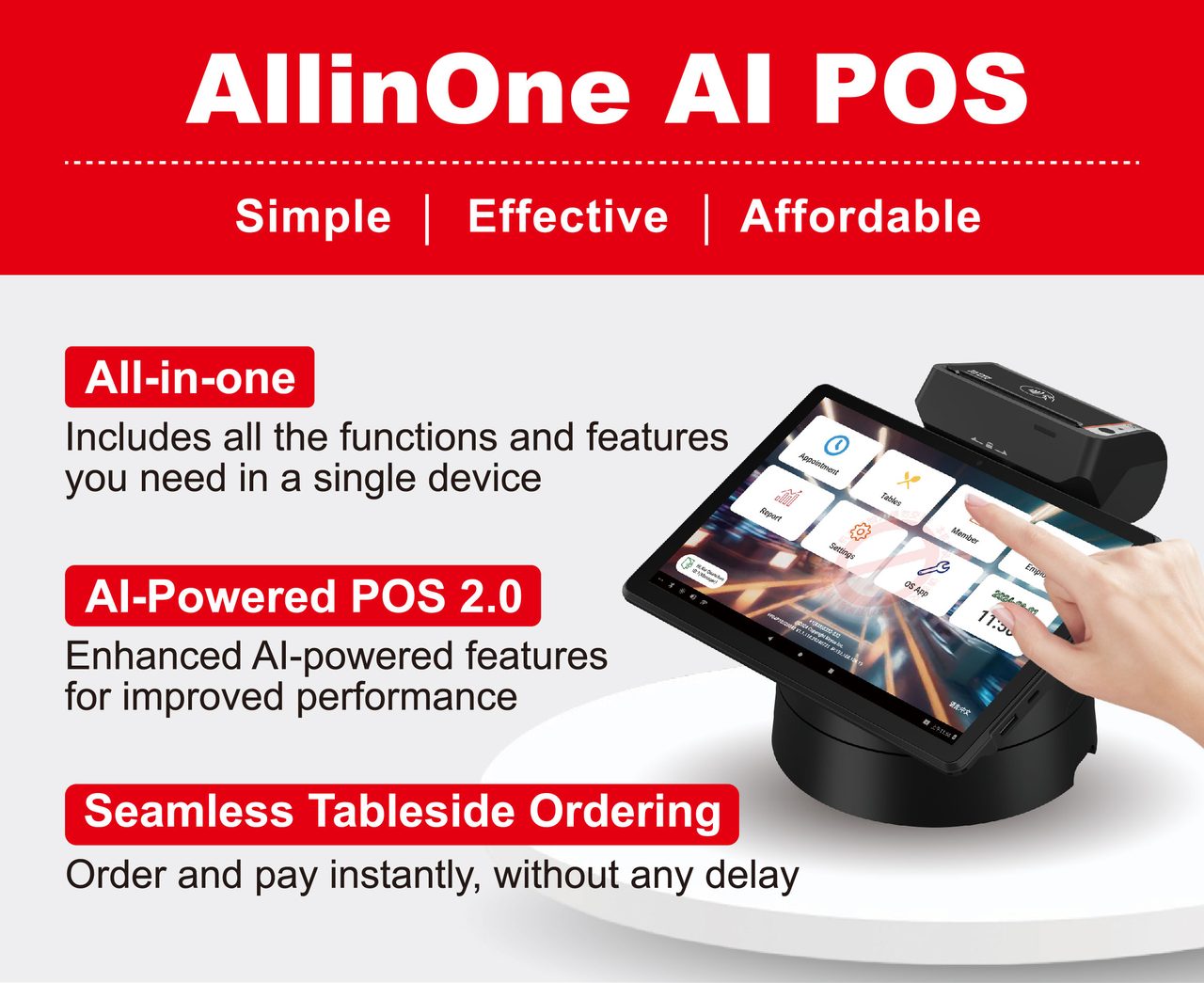
The biggest shift in restaurant hardware is the move from bulky, expensive fixed terminals to all-in-one Android tablets. They cost less, take less space, and — crucially — the same device that sits on the counter can be carried to the table for tableside ordering. For most restaurants the flexibility and price win; reserve fixed terminals for the rare high-volume station that truly needs one.
Payment: built-in beats bolt-on
The single best hardware decision is integrated payments — a device that takes the order and the payment. A bolt-on Bluetooth reader is one more thing to charge, pair, and watch drop mid-transaction, and it forces a separate reconciliation. Built-in means chip, tap, and mobile wallets on the same device, settled against the order automatically.
Kitchen: display or printer
Orders have to reach the line. A printer works, but a kitchen display system does more — routes items by station, times tickets, and pulls dine-in, delivery and online into one queue without paper jams. Many kitchens drop printers entirely for a KDS; some keep a single printer for expo tickets or labels.
Add by format
- Full-service: handheld tablets for tableside order-and-pay; a KDS for course timing.
- Quick-service / fast-casual: self-service kiosks to bust the line, plus counter terminals.
- High-volume / multi-station kitchens: multiple KDS screens, one per station.
- Delivery/takeout-heavy: label printers and a screen that consolidates online and third-party orders.
Don’t buy what your format doesn’t use. A counter café doesn’t need handhelds; a fine-dining room doesn’t need a kiosk.
Network and offline
Whatever you buy, it needs solid networking — and a POS that keeps working through a brief internet drop (see cloud vs. on-premise). A register that dies when the Wi-Fi hiccups is a hardware plan with a hole in it.
Where KPOS fits
KPOS runs on all-in-one Android devices like the P3 MIX — payment and printing built in — plus kiosks, mobile terminals, kitchen displays and cloud printers, all on one platform. You add only what your format needs, and it all shares one menu and one back office. For the full evaluation, see our restaurant POS buyer’s guide, or request a quote.
Frequently asked questions
What hardware do I need to run a restaurant POS?
At minimum: a POS terminal or all-in-one tablet to take orders, a way to take payment, a way to get orders to the kitchen (a printer or a kitchen display), and reliable networking. Everything else — handhelds, kiosks, extra screens — is added based on your format and volume.
Do I need a separate credit card reader?
Not if payment is built into the POS device. An all-in-one with integrated payments means one device taps, dips and prints — nothing to pair over Bluetooth, nothing to drop mid-transaction, and the payment reconciles automatically against the order. Bolt-on readers add failure points.
Tablet POS or a traditional terminal?
All-in-one Android tablets have largely replaced bulky legacy terminals for most restaurants — lower cost, smaller footprint, and the same device works on the counter or in your hand at the table. Traditional fixed terminals still suit some high-volume stations, but the flexibility usually favors tablets.
Do I need kitchen printers or a kitchen display?
Either gets orders to the line, but a kitchen display system (KDS) does more — it routes by station, times tickets and pulls every channel into one queue, without paper jams. Many kitchens replace printers with a KDS; some keep one printer for the expo or labels.
What hardware does KPOS run on?
KPOS runs on all-in-one Android devices like the P3 MIX with payment and printing built in, plus self-service kiosks, mobile terminals, kitchen displays and cloud printers — all on one platform, so you add only what your format needs.
See KPOS in your restaurant
One AI-powered platform for ordering, payments and operations.
Book a 15-minute demo